Changing active lexes
Part of the Lexes guide
After you apply a new set of active lexes, you must wait before you can change them again.
The wait
Each change starts a wait of 20 ticks30 s, plus 6 ticks9 s for every change you have made so far, this one included. So each wait is longer than the last. The count never resets for the rest of the game. Your first change has no wait before it.
| Change | Wait after it |
|---|---|
| 1st | 26 ticks39 s |
| 2nd | 32 ticks48 s |
| 3rd | 38 ticks57 s |
| 4th | 44 ticks1.1 min |
| 5th | 50 ticks1.3 min |
| 6th | 56 ticks1.4 min |
| 7th | 62 ticks1.6 min |
| 8th | 68 ticks1.7 min |
| 9th | 74 ticks1.9 min |
| 10th | 80 ticks2 min |
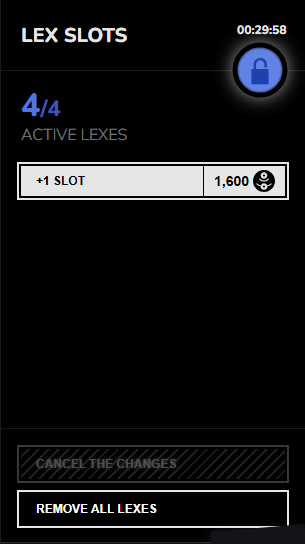
The lex panel shows the wait that applying now would start. See lexes. During a wait you can't change your active lexes, but you can still buy lexes and lex slots.
What counts as a change
Every change you apply counts, even one that only removes lexes. Buying a lex or a lex slot is not a change. A change that is refused starts no wait.
What a change can't do
A change is refused if it would leave you with more systems, dominions, Navarchs, Erased or Siderians than your new limits allow. Only agents on the board count, not those in your deck. To drop a lex that one of them needs, first give up a system or dominion, or put an agent back in your deck. See Administrative Operations, System and dominion limits and Agent limits.
Edge cases
- Applying more lexes than you have lex slots is refused. The panel lets you pick more, so you can decide which ones to drop.