Patents are research you buy with technology. Each one unlocks buildings, building levels, ships or larger ship units. A patent is yours for the rest of the game.
The patent tree
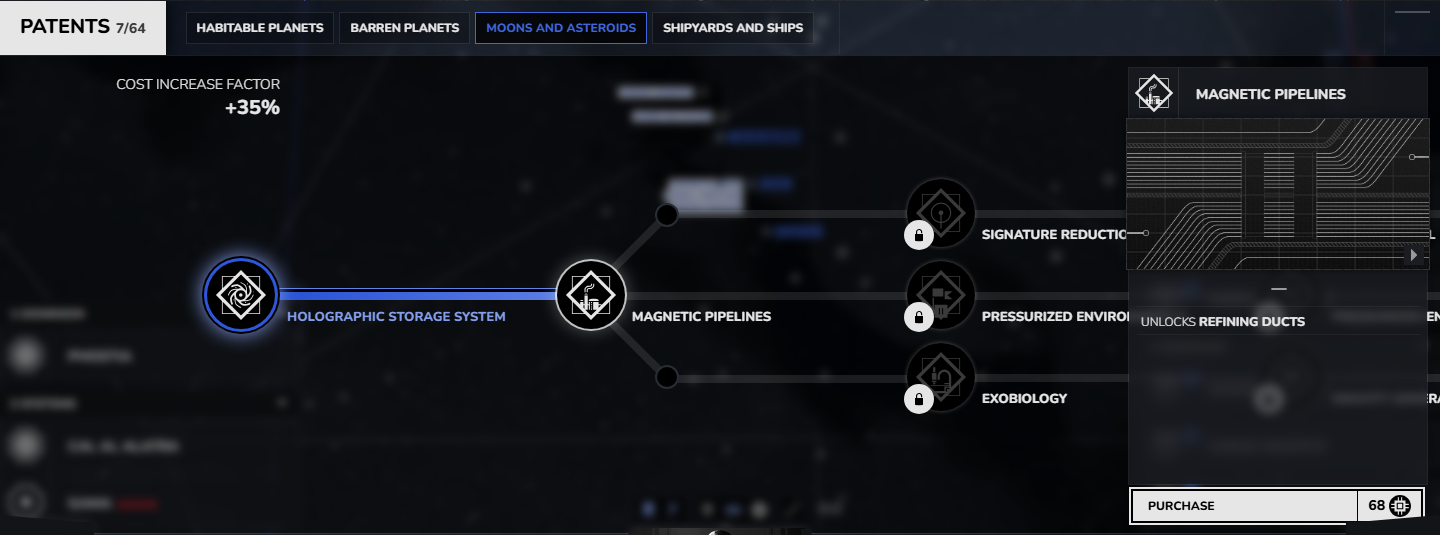
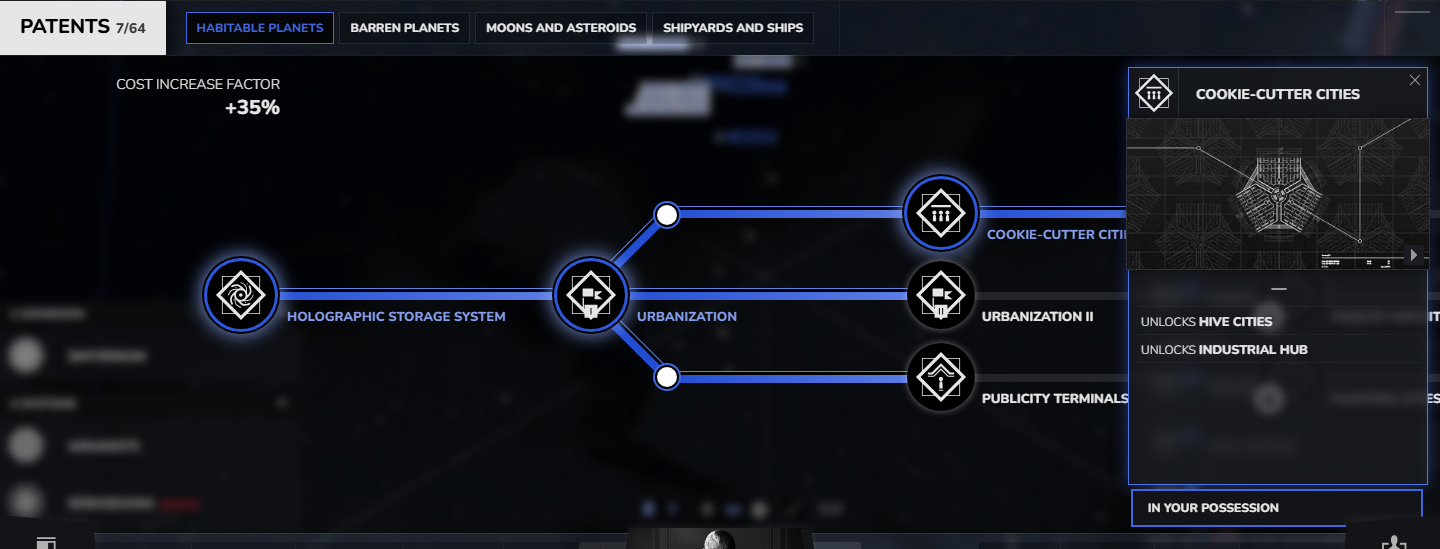
Patents form a tree. Its first patent is Holographic Storage System, alone in the Origin branch. Every other patent needs one patent before it, called its ancestor. Each patent's page lists its ancestor under Requires, the path to it from Holographic Storage System, and exactly what it unlocks.
The rest of the tree is split into branches, which differ by game mode (see Game time):
Legacy and Tactic: Habitable Planets, Barren Planets, Moons and Asteroids, Shipyards and Ships
Flash: Economic, Military
Buying a patent
You can buy a patent once you own its ancestor and have enough technology. Having exactly its price is enough.
A patent works as soon as you buy it.
There is no refund, and no way to sell a patent back.
In the patent panel, a click on an available patent buys it at once, with no confirmation.
On a phone, a tap opens the patent's card instead, and its Purchase button buys it.
The price of a patent
Each patent has a base price in technology, listed below, and its card shows the price you pay now. Every patent you own makes the next one dearer, and the panel's Cost Increase Factor shows by how much. See How prices grow.
What patents unlock
Buildings. A building's patent unlocks its level 1. See buildings.
Building levels. Upgrade patents unlock the higher levels of infrastructure buildings and of buildings on moons and asteroids. Flash games have none. An infrastructure building's level caps the other buildings on its planet. See upgrades.
Ships. A ship's patent lets your shipyards build it.
Larger units. A unit is a group of identical ships that takes one place in a fleet. A unit-size patent lets your shipyards build a ship in larger units.
A patent can unlock a building that none of your systems can take yet, because of its body type or infrastructure. See buildings.
The patent panel
Press P to open the patent panel (see hotkeys). Its branch tabs appear once you own your first patent.
Branch tabs (1), with owned (2), available (3) and locked (4) patents.
Hover a patent to see its card. Right-click a patent to hold its card in place, and right-click anywhere in the panel, or close the card, to let it go.
A right-clicked patent (1) and its card held in place (2).